
When people ask what our homeschool schedule looks like, I always hesitate — because the truth is, it changes. Seasons shift. Kids grow. Energy dips. Life happens.
What we do have, though, is a simple academic calendar that helps us see the year clearly without locking us into something rigid. And that’s what I want to share today.
Most homeschool calendars either feel too vague to be helpful — or so detailed they break the moment real life shows up.
For a while there, I was building on this every few months because I couldn’t find a middle ground between structure and flexibility. Either we had a plan that felt rigid, or no plan at all and constant mental overload.
If Notion has ever made you feel like you need to “finish the system” before you can actually homeschool, you’re not alone. It’s wonderful and powerful and as overwhelming (or simple) as you let it be.
My personal approach
At some point, I realized our calendar didn’t need to manage our days — it just needed to hold our year.
So I stopped trying to schedule lessons by the hour or even by the week. Here’s what I removed:
- Daily time blocks
- Overly detailed task lists
- Anything that required constant maintenance
Instead, I focus on rhythms:
- Seasons of learning
- Instruction weeks vs. rest weeks
- Big-picture goals rather than daily perfection
That shift alone made our calendar feel supportive instead of stressful. It’s not about having better systems, it’s about systems that are already built to continually adapt.
What this section does (and doesn’t do)
Our homeschool calendar now exists to:
- Show the flow of our year at a glance
- Hold start/stop points, breaks, and review periods
- Give me more context for planning — not pressure
It doesn’t:
- Dictate daily schedules
- Lock us into exact pacing
- Require constant updating at all
It’s a container, not a controller—with color coding.
Simple setup overview
At its simplest, this kind of calendar needs:
- A list of instructional weeks
- Planned breaks or lighter seasons
- A place to connect goals, resources, or units
In Notion, I treat each week as a flexible planning block instead of a fixed schedule — which means plans can shift without breaking the whole system.
You don’t need advanced formulas or complicated views to make this work. The structure matters more than the tech.
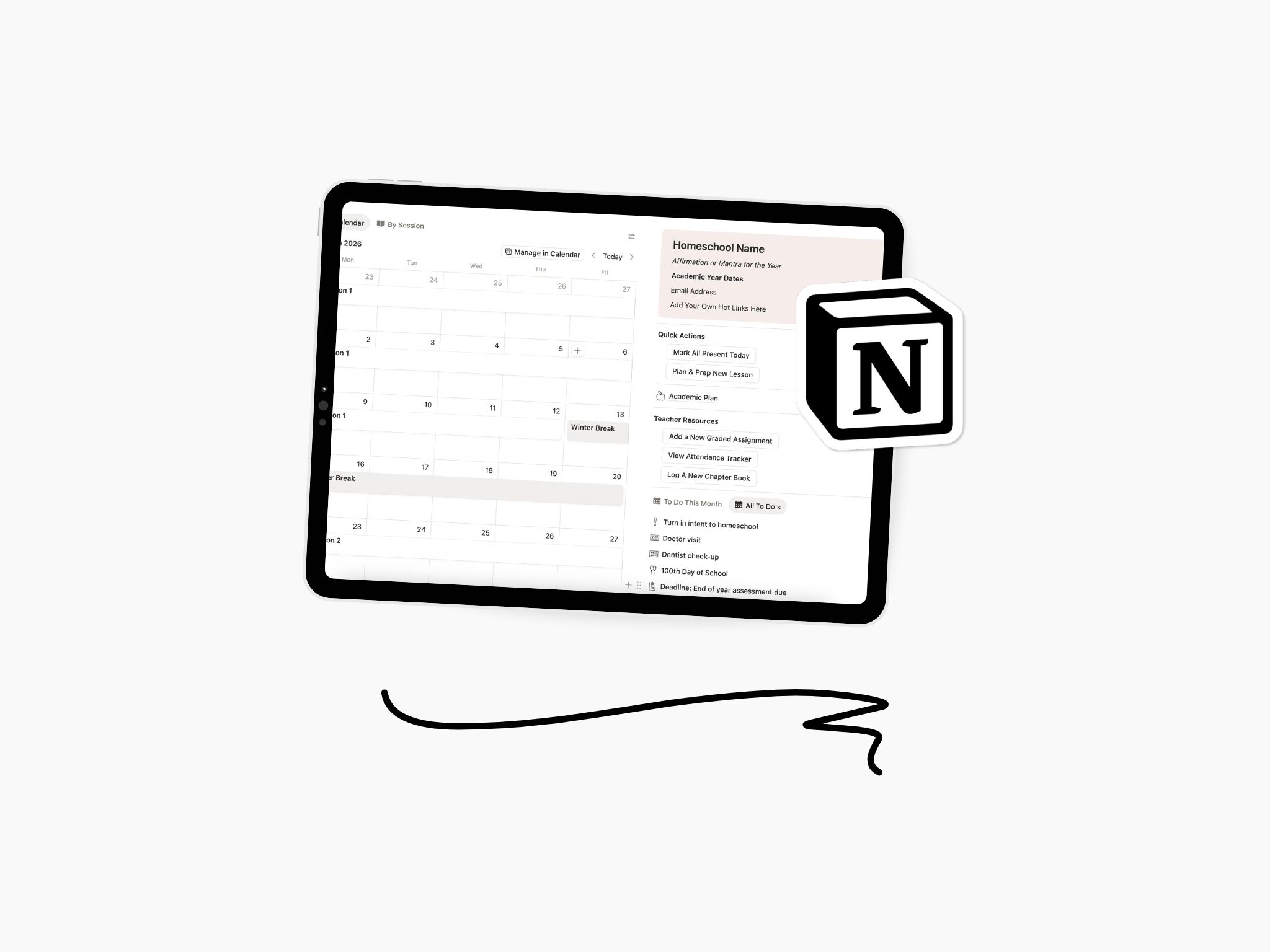
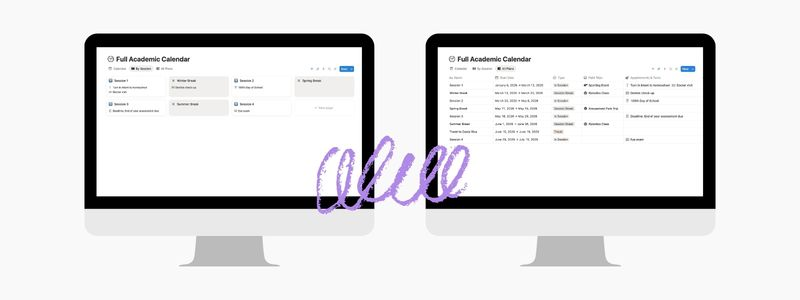
So when you create that fresh Calendar View and title it “Academic Calendar” or “Our Schedule” or whatever fun name you decide to give it, consider these properties and their uses.
- Sessions: For you this may look like semesters, quarters, months or units. This is the overarching chunk of time that your students will be in, and it’ll be broken down into smaller weeks, days, or lessons.
- Breaks: The time when your students are not in their regular instruction days. For us, this also includes my admin days as well. We plan these out as best we can ahead of time. This way I can use the off days for constructive time attending appointments or traveling. The drag and drop feature on the calendar view makes things very easy to adjust on the fly once we have the bones down.
- Start and End Dates: I prefer to pop these in as two separate properties because of the ways I end up using them in other databases. You could simply add a Date property and input each page with a start and end date as well.
- Status: This is where you’ll display whether your homeschool is in or out. I would suggest either Select, Multi Select, or Status as the property type depending on how you want it to show on your pages and databases. Suggested options to plug into your drop down: In Session, Break or Vacation, Travel, and Administrative.
- Notes: This empty Text property gets used a lot more than I thought it would. I plug in little notes about who’s in town that week, if anyone was sick, when a volcano erupted, graduations, etc. for my records and to jog my memory later on.
Such a simplified database might mean more Relation properties for you. Here are a couple of suggested relations to include that you may find useful in your day-to-day.
- Appointments: Several appointments or calendar items may be re-occurring for you and your family. We have certain meetings and classes that meet weekly or monthly, and I sometimes find I want to take note of what might have happened. Having a space just for things like annual check-ups, monthly groups or clubs, and weekly sport meets migh prove beneficial for you in that you can create these items as templates. Each new meeting would then be added pre-filled, and you can take any specific notes in the page contents. Link this to the calendar database for better record keeping.
- Lessons: Naturally you’ll want to relate the calendar to your Lesson Planner. I found this to be too cluttered in listing every lesson but one-time units and weekly lessons linked to their corresponding week on the calendar has proven to be quite worthwhile.
- Field Trips
- Parent-Teacher Meetings: While this would not need to be displayed right on the calendar, it would be useful to link to it’s corresponding week or session. Especially if each meeting has the same name or flow.
Who this is for & how it should be utilized
Honestly I think that one big calendar that holds all of the “big stuff” is necessary for every homeschool. If yours is in Notion that will give you more options for utilization but this could also just be one large yearly overview too.
The calendar should remain relatively clean as this is the main overall calendar, not a daily schedule or a personal planner for each student. Ours simply holds start and stop dates for sessions and breaks, annual doctor and dentist appointments, annual shows and graduations, and travel dates. This calendar does not hold things like daily plans or schedules—anything granular. Those each have their own respective databases, and in most cases are linked.
This approach works especially well if:
- You want long-term visibility without daily micromanagement
- Your homeschool rhythm changes seasonally
- You’re tired of rebuilding your system every few months
If you crave structure but resist rigidity, this kind of calendar tends to feel grounding instead of restrictive.
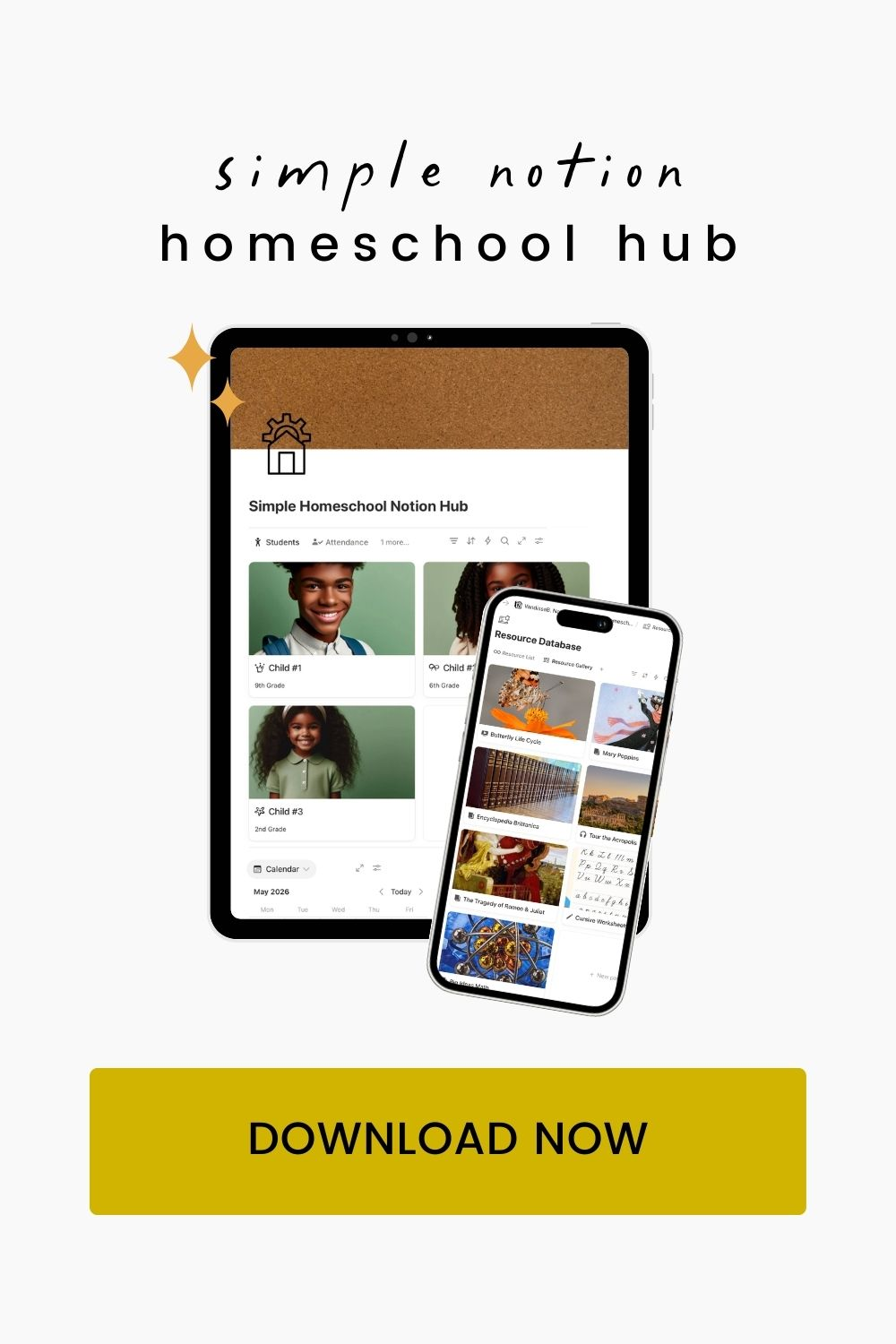
In my full Homeschool Notion Hub, this calendar connects directly to student profiles, their individual goals, and field trips — so planning becomes more about seeing patterns than managing tasks.
If building this yourself feels energizing, I encourage you to get on this now. But if you’d rather start with the structure already built and connected, that’s what the hub is for.

Leave a Reply