
Most homeschool goal-setting either feels too vague to guide anything — or so ambitious it becomes discouraging by October.
I used to start each year with big intentions, then feel behind almost immediately. Not because we weren’t learning, but because our goals weren’t built for real life: sick days, interest detours, slow seasons, and unexpected growth.
Eventually, I realized the problem wasn’t follow-through, it was the way the goals were framed.
My personal approach
I stopped setting goals based on what I thought we should accomplish and started setting goals based on what our kids actually needed that year.
That meant removing:
- Overloaded academic checklists
- Long-term outcome pressure
- Rigid benchmarks
And replacing them with:
- Skill-focused intentions
- Emotional and developmental growth goals
- A few meaningful academic priorities
My family runs in a way that sets a foundation for our children’s success. We teach by doing, and we goal plan with the end in mind. Now our yearly objectives act more like a compass than a contract. The way we do this is by thinking less about the shoulds of the academic grade that each student is in and focus more on the adult that we hope to put out into the world once homeschooling is finished.
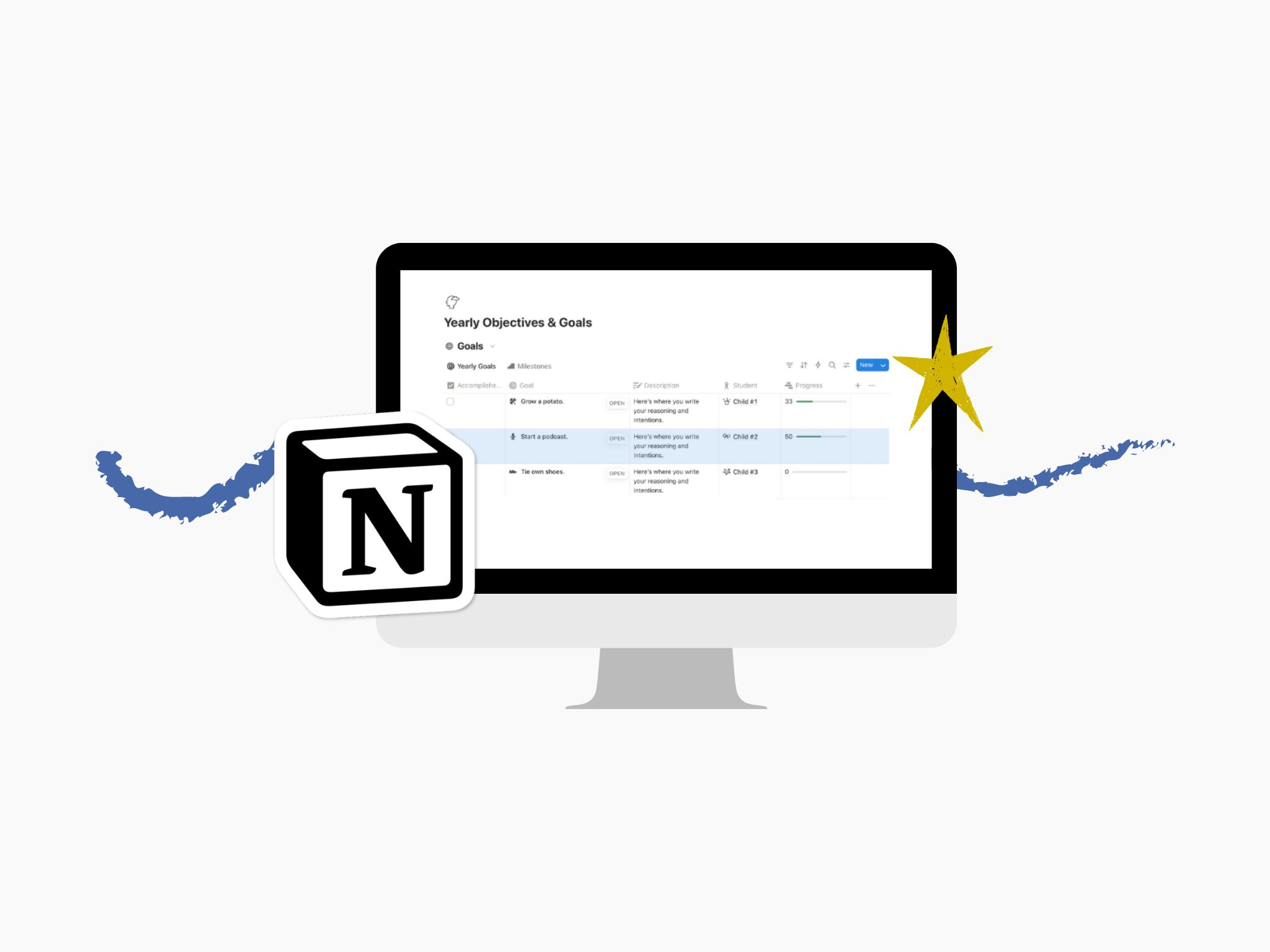
So how does this translate into a digital note-taking app being used to track and plan our goals? We set intentions together and then outline a curriculum to get the student to the end. This all gets broken up into Notion, linked to each child, and then monitored regularly.
What this section does (and doesn’t do)
Before I walk you through how we built this and use it regularly, let’s talk about what the true purpose behind all this even is.
Our yearly objectives now exist to:
- Clarify what matters most this year
- Guide planning decisions
- Support reflection and adjustment
They don’t:
- Predict exact outcomes
- Replace flexibility
- Create pressure to “keep up”
They give direction without demanding performance.
Setup overview
At its simplest, yearly objectives can be:
- A short list of academic focus areas
- A few developmental or character goals
- One or two homeschool rhythm intentions
In Notion, I treat objectives as living entries — not fixed targets — so they can evolve as kids grow and circumstances shift. At least I do now. I can still remember that random inkling I had to make some large convoluted database, fussed over it for longer than I’d like to admit, and then realized I’d made it too complicated for myself to even use and update.
Most of us really don’t need complex frameworks or elaborate tracking. I remind myself of this every time I see someone else’s pretty, heavily linked, aesthetically pleasing Notion, so I am reminding you too. Clarity matters more than completeness.
I’ve had years with just one or two objectives, and years with over ten. Both felt incomplete and insincere. This past year we changed things up and got more intentional about all of it. I am happy to report that I actually use this system regularly now.
Here’s how I ended up addressing annual student goals and planning for achieving them:
I setup two data sources in one database, one called Yearly Objectives and the other named Success Markers. (Some similar naming ideas for you: Goals & Steps, Achievements & Milestones, or Plans & Practices.) Name them how they make sense for you and your student, but the gist is you’ll have one data source for the end goal the child is aiming for, and the second data source is the steps or mile markers to achieving each goal.
I decided to do this as two different data sources as opposed to two databases because it is cleaner for me and more obvious which is which since I actually have to manually switch tabs between the two.
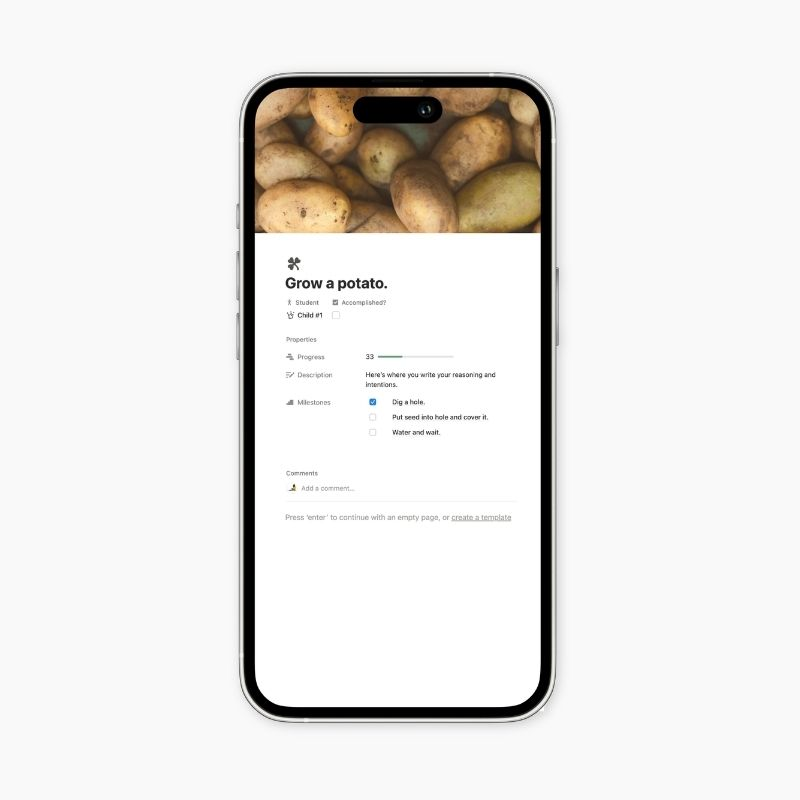
So let’s say little Sam’s goal (Yearly Objective) is to learn to write his or her name, the steps (Success Markers) might be:
- recognize each letter of their name (S, A, and M)
- articulate the sounds associated with S, A, and M
- able to free write S and s
- able to free write A and a
- able to free write M and m
- correctly order name spelling
And as they are able to check each item or task or milestone from the list, you’ll both get to track Sam’s progress.
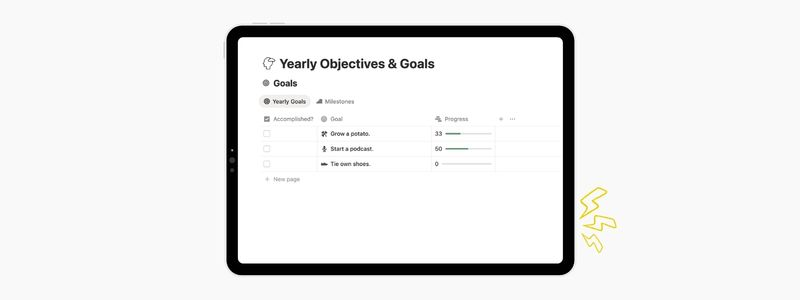
Yearly Objectives Database
This first database is where each goal will live, and only for each goal to live. You could simply name the goals and make a list here but I suggest at least including the purpose behind each goal as well. Here are the properties you might consider adding to this database.
- Goal: I just name the goal here as the title. This will create a page for each goal which will allow you to add any notes, images, resource links, etc. to the contents of the page.
- Description: A simple text property that’s important for listing the intention. Your description might include not only why the child wants to reach this goal but also what successfully reaching the goal might look like.
- Type: Select or Multi Select property for those who have different types (Academic, Enrichment, Self Directed, Life Skills, Long Term, or Short Term) of goals you may want to be reminded of.
- Progress: You may not need a cute little progress bar but I visually enjoy the feedback so I like to include this as a Number property. We can also link it to the Success Markers database later to automate this (if you’re feeling fancy I explain this more down below in the optional steps).
- Student: If you’ve already created your Student Profiles just put in the relation property to that database so that each goal is linked to it’s respective child. These goals aren’t for everybody.
Success Markers Database
Now this little database is the powerhouse that’ll push the goals database forward. I’ll try my best to be clear but leave any questions in the comments, I’ll do what I can. Here are the properties you’ll need:
- Milestones: This will be replacing the Name property so that it can hold any sub-tasks that may be applicable. So from our example above, this would be where you’ll list each step from Sam recognizing each letter of their name to correctly spelling it.
- Done: This is a simple Checkbox property that will mark whether each milestone has been completed or reached.
- Objective: This is our first relation property, don’t be alarmed. Name this property Goals or Objectives, then choose the Relation property. In the text box you’ll type in the name of your Yearly Objectives database or click on it from the drop down if it populated for you. Make it a two-way relation—this way you’ll be able to see both on either database.
Optional: Success Marker Progress Bar on Linked Yearly Objective
If you want to have the progress bar automatically populate based on your Success Markers, here are the steps:
- In the Yearly Objectives Database, add two Rollup Properties. Name the first Total Markers, select the Done? property and Count all calculation. Name the second Completed Markers, select the Done? property and Count checked calculation.
- In the Yearly Objectives Database, add in a Checkbox property and name it Accomplished.
- Then, in the Yearly Objectives Database, add a Formula property (or replace the Progress property if you already made one above). Paste exactly what is written below into the formula box.
if(
Accomplished,
100,
if(
Total Markers == 0,
0,
round(Completed Markers / Total Markers * 100)
)
)
This should give you the ability to see your student’s progress in a more granular way. Each time a Success Marker is marked off as completed, your Yearly Objective progress bar will display this. Just some fun quick win tracking for you.
Who this is for
If you usually benefit from visual lists or feedback and are wanting to watch your progress over time, you should consider a goal tracking system like this for your child as well. This works great for those who use their Notion at least weekly and will pop their goal tracking into other pages to easily access and view them.
This approach works well if:
- You want intentionality without rigidity
- You prefer reflection over pressure
- You value progress more than perfection
Especially if you’ve ever felt like goals were something you failed at, instead of something meant to serve you.
We list our goals on our homeschool mission statement page and have them linked to each child’s student profile. I prefer to see them in Gallery View to get an at-a-glance look at where we are in each, and always have the grouped by student.
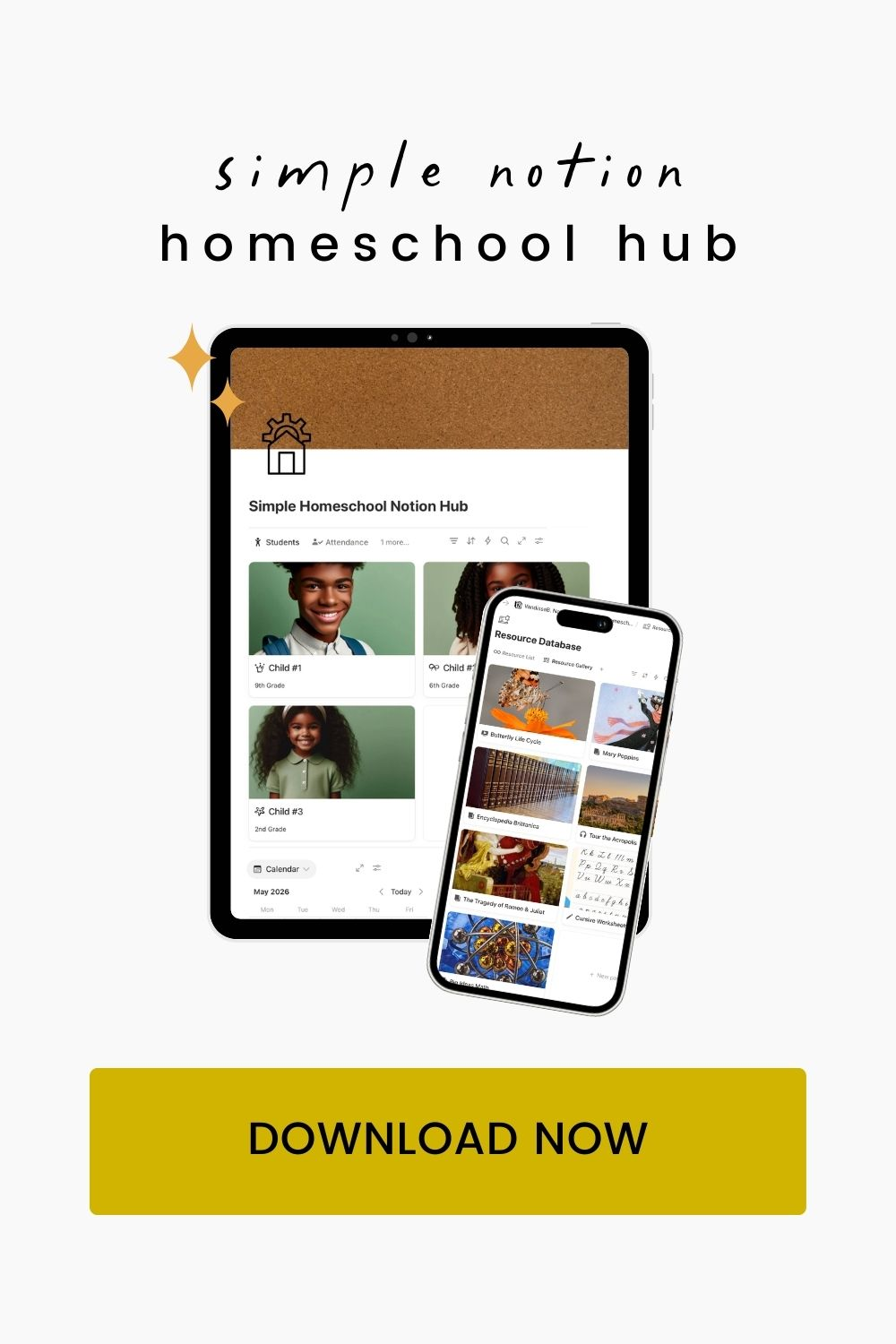
In the full Homeschool Notion Hub, yearly objectives connect directly to your calendar, student profiles, and reflections — so goals stay visible without becoming overwhelming. If you enjoy building this kind of clarity yourself, join me here again next week—we’ll be putting together our Resource Database and that’s a pretty one once it’s all filled in. 😊

Leave a Reply