
You know those organizational junkies, the people who routinely try to organize away the problem? Well, hello there, you just ran into another one, because “people” is me. I love to start organizing instead of reflecting. No I don’t—let me be honest. My first instinct is to organize, tidy, and clean up when there’s a mess.
It is only once said mess is at least tucked away that I can stop and reflect on the cause of the mess. I don’t enjoy this one bit. I end up wasting time procrastinating with organizing when I could just pause and think. (I’m working on it!) Planning without grounding got me this far so it’s not the worst, but there is a better way.
Maybe you already knew that, if so, goodie for you.
For the rest of us it’s time to discuss systems built around the people instead of the tasks this time.
The main reason for that disconnected feeling tha arises even after you’ve planned the curriculum and built the spreadsheet and color coded every last thing…is probably a lack of clarity around each child.
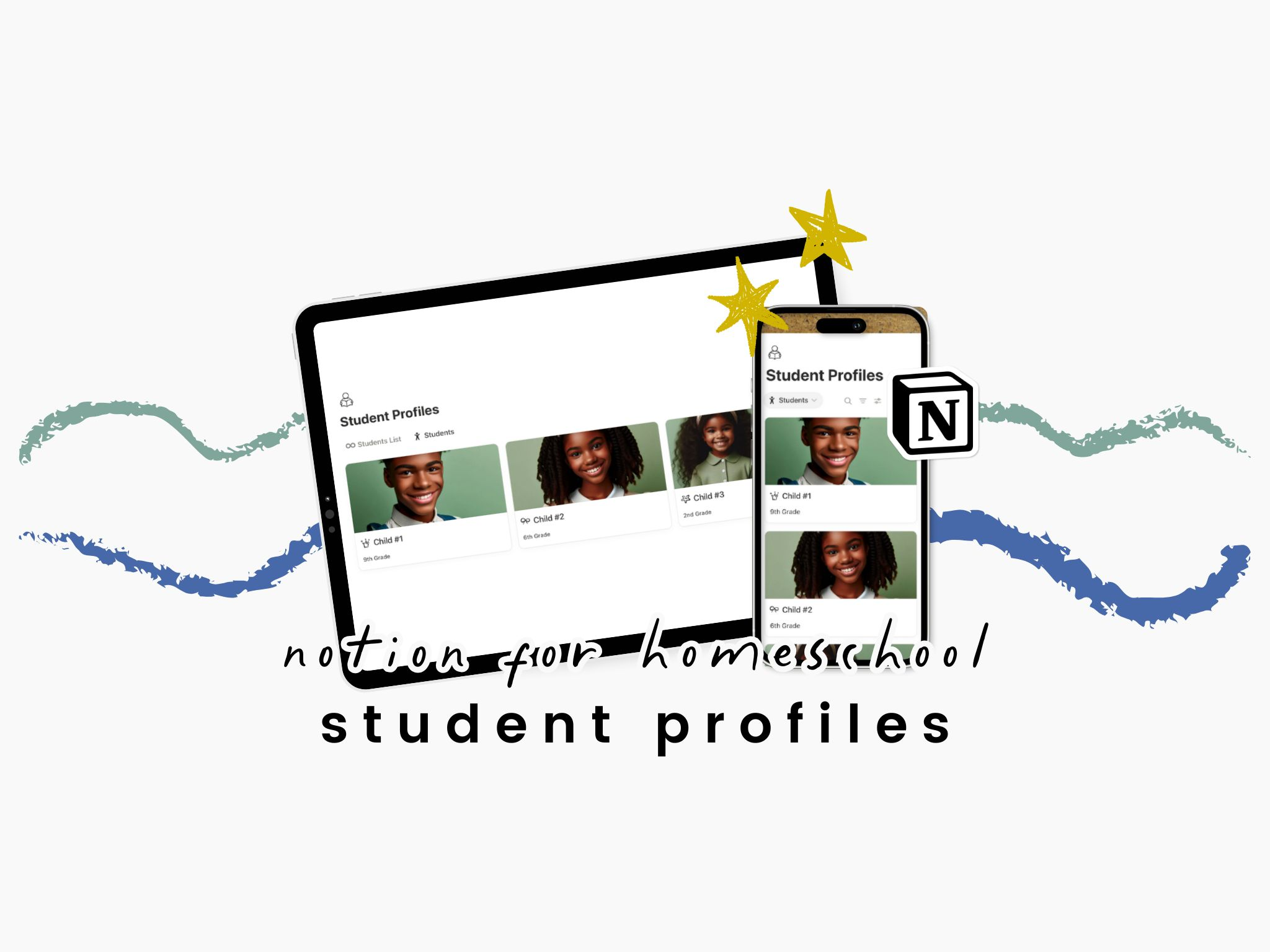
When your student profile is nonexistent or too complicated, the whole system feels disorienting. You’re not the only homeschool parent trying to Notion it up who started with schedules and lesson plans before building each child a profile. But now we’re going to fix that and make one together.
Our old Notion Dashboards had Student Profiles but they were basically just for show back then. I wanted to see my precious babies’ little faces on certain things but outside of their names and grades I am pretty sure I left the pages inside blank. I knew I’d need them eventually but my kids were in Kindergarten and Preschool at that time so I didn’t sweat it. Slowly but surely though, these pages worked themselves into many other places. Now, this the first database I build with each new school year.
What a Student Profile Is (and Isn’t)
Let’s not overdo anything here, it should remain pretty clean. Each student profile is a reference page and a landing point for future planning. You can use this page for context to check out patterns and track goals. I also like things to look nice so I add their little back to school photos each year as well.
The Student Profile is no place to log everything the child is up to, that’s probably the first step towards burnout anyway. There should be no daily tracking here or any sort of compliance recording.
What to Include on Each Student Profile
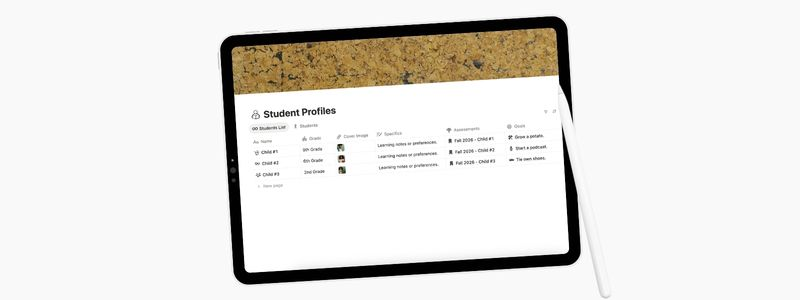
- Basic Information: Name or Nickname, Age or Current Grade
- Specifics & Adaptations: Learning styles, preferences, etc.
- Cover: Totally unnecessary for most people but I like looking at my baby’s faces so I add their back-to-school portraits here as a Files & media property.
- Objectives: Current goals (long term and short term milestones from you and child)
- Field trips and Lessons: Lessons and assessments, outings, groups, clubs, sports, and other activities. We’ll add this as a Relation property once the Field Trip Planner and Lesson Planner are built.
Truth be told, the only properties we started with this year are Name, Grade, Image, Core Subjects, and Outside Activities. I’ve linked the Student Profiles to those last two databases. This was in order to be able to populate their progress in each subject and it has been a welcome reminder.
Optional Ideas to Add Later On:
- Notes you want to remember
- Links to books the child is reading or has read this year
- Field trips they attended
- Current interests or favorites
- Attendance tracker
What I’d Skip
I try not to over-automate my Notion. It’s such a powerful platform and has so many cool uses, I want to put them to work! Problem is, I usually don’t fully understand how to do that. My brain just isn’t wired for it.
So I’d say this is no space for daily tracking or behaviors. I also wouldn’t suggest trying to log daily assignments here either. Save that for it’s own database.
Connecting Student Profiles to the Homeschool Hub
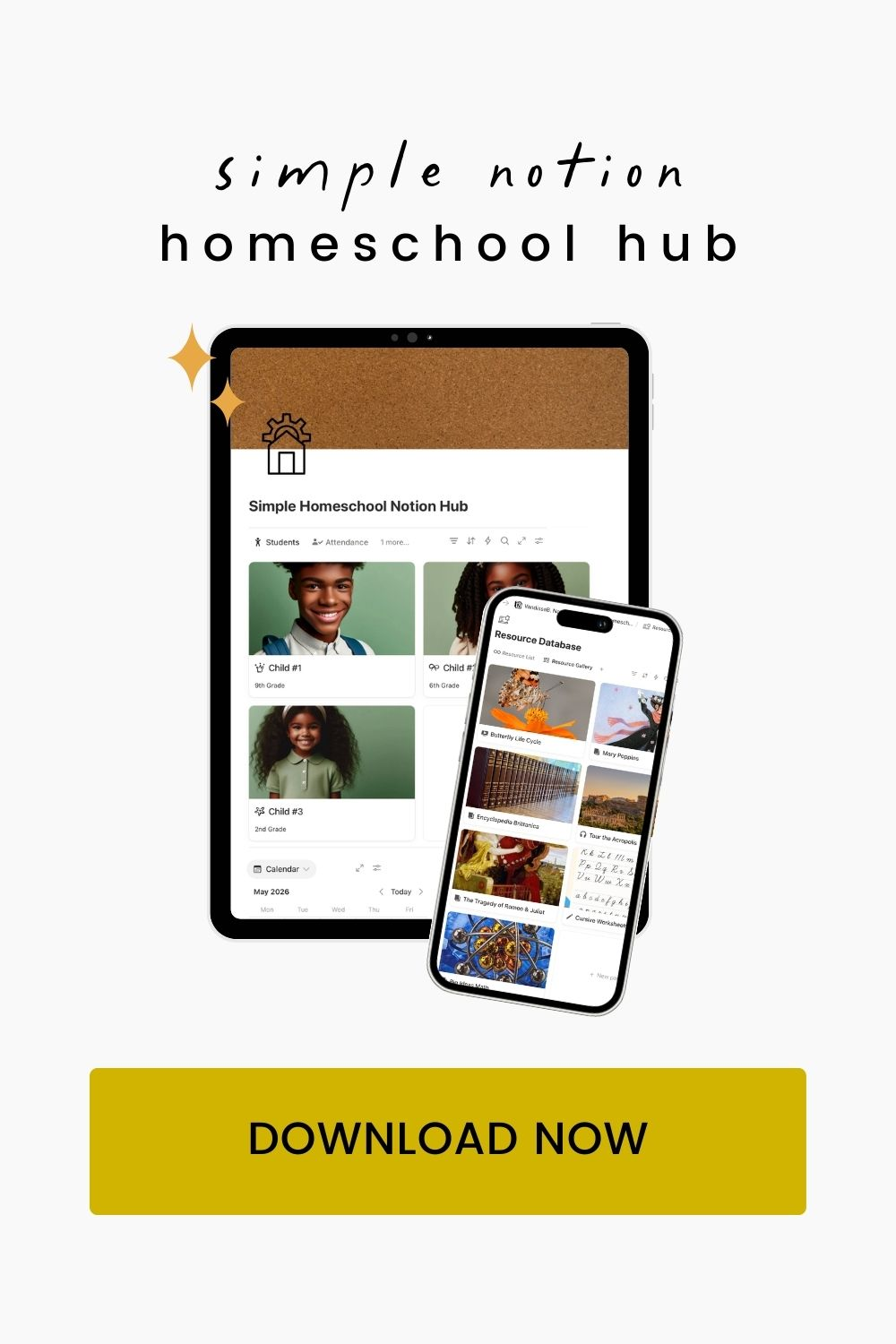
The Notion Homeschool Hub, or whatever you’ve named yours, should be the anchor for all the pages and databases to be housed. They each link to it, not the other way around.
The profile for each child will fill up as you use these pages and it’s fun to see all of the things they do in the year summed up all nice and neat. This is the first page I make for a reason. It will end up being linked to the juiciest stuff in the hub so when you do back and reference it, everything is neatly organized and accessible. You’re going to love it.
Favorite Uses for the Student Profile Database:
- Documentation: Because each student’s page can have File properties, you can have multiple spots for saving PDFs you might want for them later. Think intent to homeschool paperwork, shot records and doctor notes, and end of year assessments. Saving the files here keeps them more organized and easy to share when you need to.
- Unit Studies & Lessons: As we progressed I started linking all of their weekly lessons and unit studies to their profiles. This was a two-way relation so that I could get a bird’s eye view of every subject or topic we covered, by child.
- Assessments: When the kids were younger I would have a database tracking whether they had mastered a skill or not. So if they were working on learning to use scissors properly or tying their shoes there was a progress bar on their profile for each skill. Once completed, it would have a full bar of course, which was always satisfying. The same setup will be used in later grades for things like spelling quizzes or timed tests.
- Field Trips, Vacations & Outings: Every time you leave the home is an opportunity for learning. We track applicable trips like museums, galleries, and tours in a database (post coming soon). Linking this database back to each student will make things easier to track and look back on as a reference. This way you can have all of each trip’s notes and photos saved, but not clog up the student’s profile with it.
- Objectives: Our goals for the year are a welcome reminder every time we open up a student’s profile.
- Outside Activities: This is where we list the regularly scheduled clubs and classes for each child. They change by the year and sometimes by the semester or month for us so this way we don’t need to try and recall when each child was participating in what.
If you don’t want the whole hub, you’re all done here! Or you can continue building the rest of your Notion Homeschool Hub With Me here next week. Next up, we’ll build the Academic Calendar. There’s a one-student template here for you to check out and use as a guideline. Hit the three dots in the top right-hand corner to Duplicate the page into your own Notion. To add another student you’ll simply click New Page and plop their name in to get started.

Leave a Reply