
FIELD TRIIIIIIIP! Who doesn’t love a field trip? My kids get just as excited for their homeschool field trips as we did growing up going to traditional schools. Me, I enjoy the planning just as much.
Planning a field trip can easily turn into a jumbled mess.
You’re calling multiple locations, relaying information back and forth, prepping attire and snacks, budgeting, not to mention if you make this a group thing and field trip with other families. It’s easy to make a mess of your homeschool field trip tracking too. Where do you put all those random flyers and maps they give you on your tours? Should you track how much this all cost? How do we explain why a trip to a petting zoo could be useful academically? How do you even remember the answer to that question at the end of the academic year?
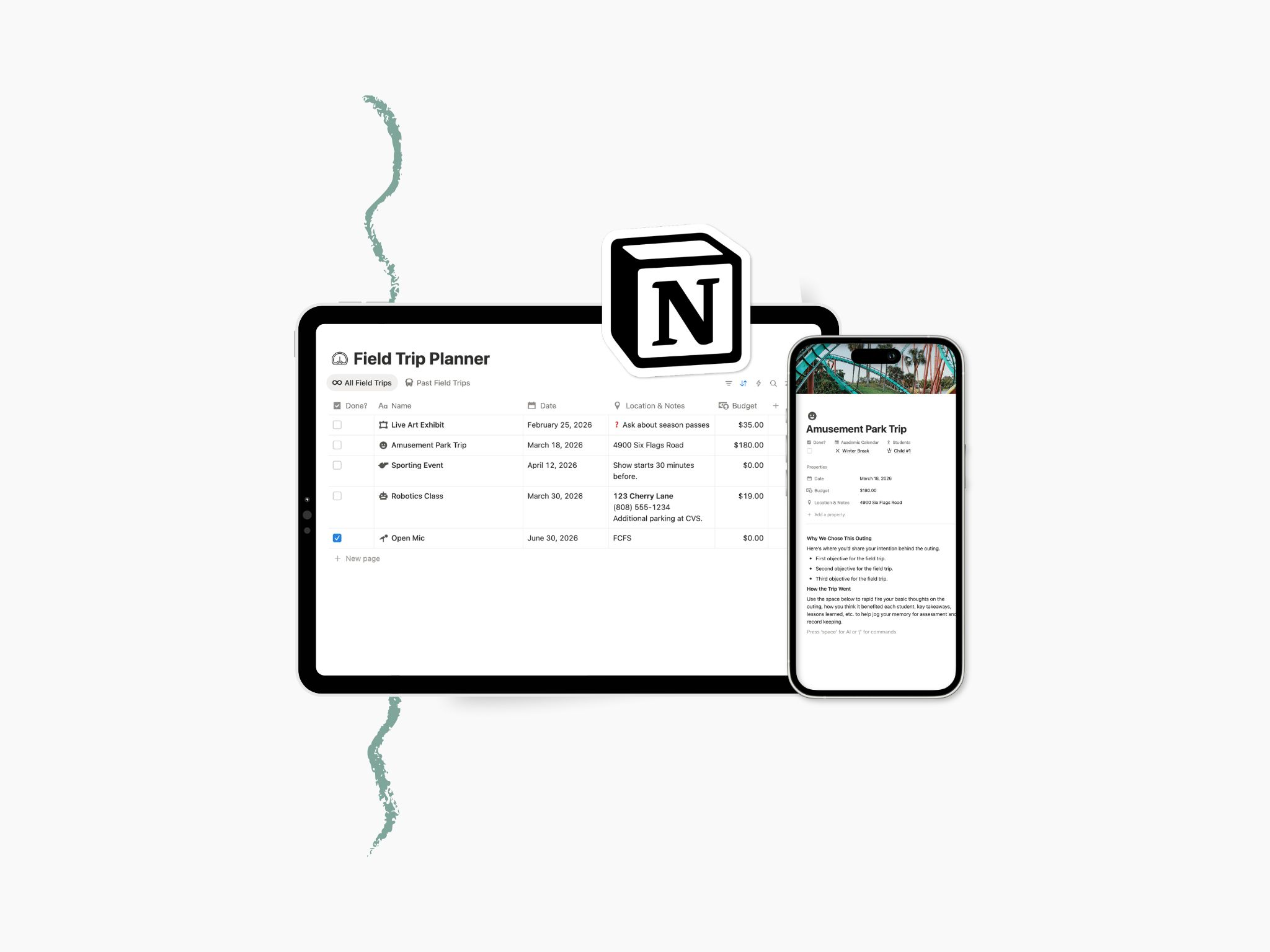
Here’s how I track and plan field trips in Notion
The Field Trips Database is kept clean and simple but does have a relation property back to our lesson planner. This way I can easily see when in our academic year we went on the trip and what we were learning about and discussing at the time.
Each new page is it’s own field trip, even for places we’ve returned to, you’ll see why in a bit. Here are the properties you’ll need on your Field Trips Database build:
- Name of the Trip or Outing
- Date & Time
- Budget: Because I plan our field trips at least a month before, I like to get an accurate projected budget directly on this page. I can plan better for both our family’s finances and think about our menu for the week this way. I put this in as a Number property and then just set it to US Dollar. (In the past I have also put it in as a Text property so that I could write in exact amounts, sometimes prices are different depending on age of the child and so I used to itemize it here. Now though I’ll pop in the total budget and if I’m taking notes on prices per person I’ll leave that down in the page content.)
- Location & Notes: Use a text property for this one. It makes it easier to paste in an address, telephone number, special instructions, or notes on parking all in one place. I use this as a reference when I pull up the field trip in the Notion app on my phone so I like it to have the most important travel info all in one place up front.
- Done?: This is a simple Checkbox property I added so that I can filter out field trips I am planning from those trips we have already taken. You could also title it Past, Attended, or Completed.
- Lesson: This relation property helps me plan alongside the current lesson as I mentioned.
I usually already know the purpose of the trip just based off of the linked information but if you want to already lay out your wording as you are planning, I’d suggest adding a text property for that as well—simply named Purpose or Background.
You might also want to link your field trips to your Student Profile, Academic Calendar, Yearly Objectives or even your Parent Teacher Meetings databases.
What this section does (& doesn’t do)
This Field Trip Database is a planner to hold logistics, preserve memories, and capture ideas. We use field trips as an extension to our learning so turning an assignment into an experience is the main goal. This organization tool is here just to support curiosity, not compliance, it’s a bonus that you can use it as a reference later on.
This setup will not require advanced planning. Instead it is a holding place that you can come back to at any time to add new thoughts and updates to.
Who the Field Trip Database is for
This setup might be for you if:
- You don’t need complicated workflows
- A simple capture-and-recall system is enough
- You prefer low-prep enrichment
- You love spontaneous learning but have the potential to lose ideas easily
- You want field trips to feel natural, not performative
Bottom line—it’s ideal for homeschool families who value experiences but also don’t want them to become another thing to manage.
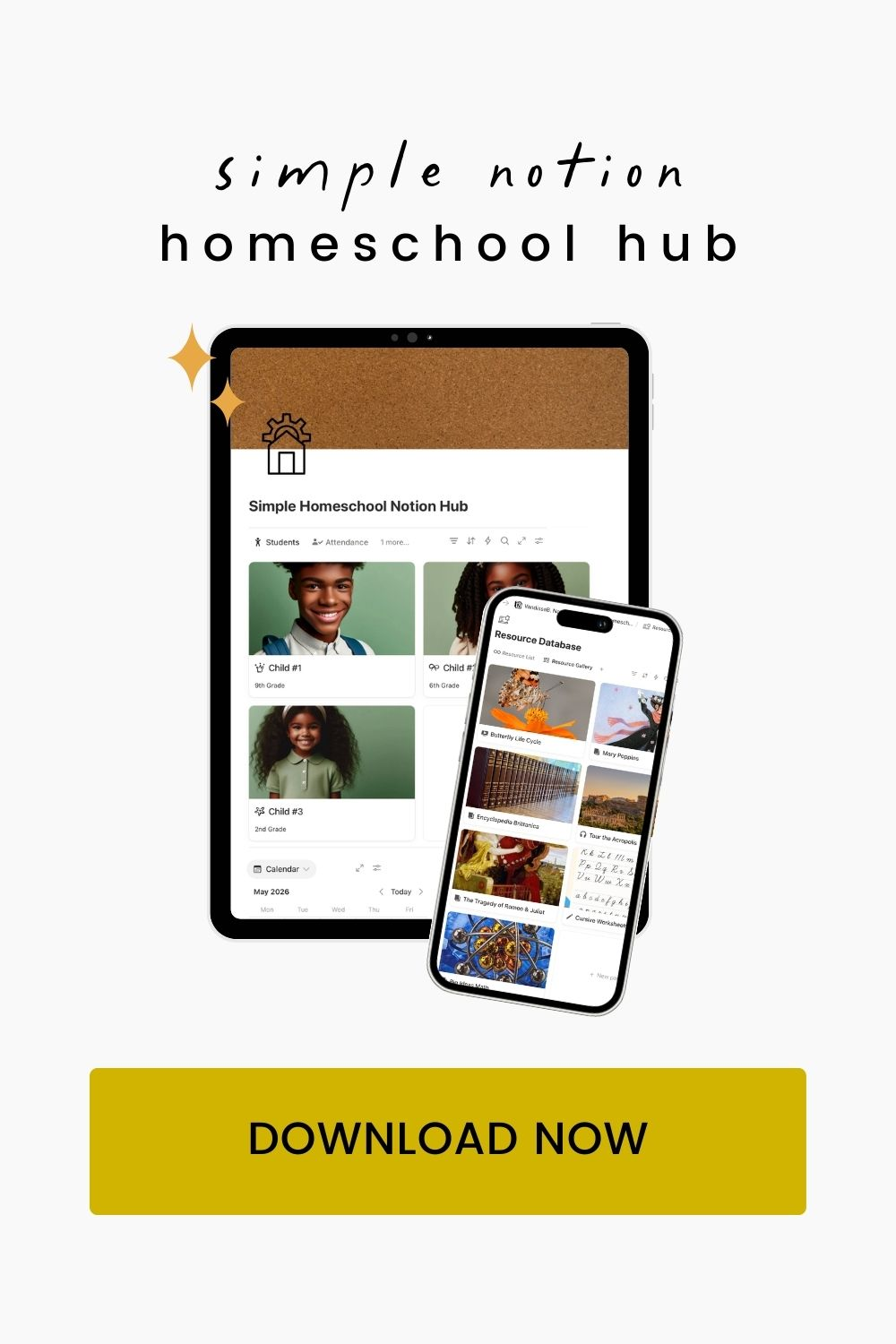
In the full Simple Hub for Homeschool, field trips connect directly to your yearly academic calendar and student profiles, — so experiences stay visible without becoming overwhelming. If you enjoy building your own systems, this post gives you everything you need. If you’d rather start with everything already connected, that’s exactly what the hub is for.
See you next week to build our Chapter Book Tracker.
Prefer everything already connected? The Simple Hub for Homeschool brings all of these pages together in one calm system.

Leave a Reply